I’m doing my first steps with Alire following the docs.
I downloaded hello and called alr run successfully. But:
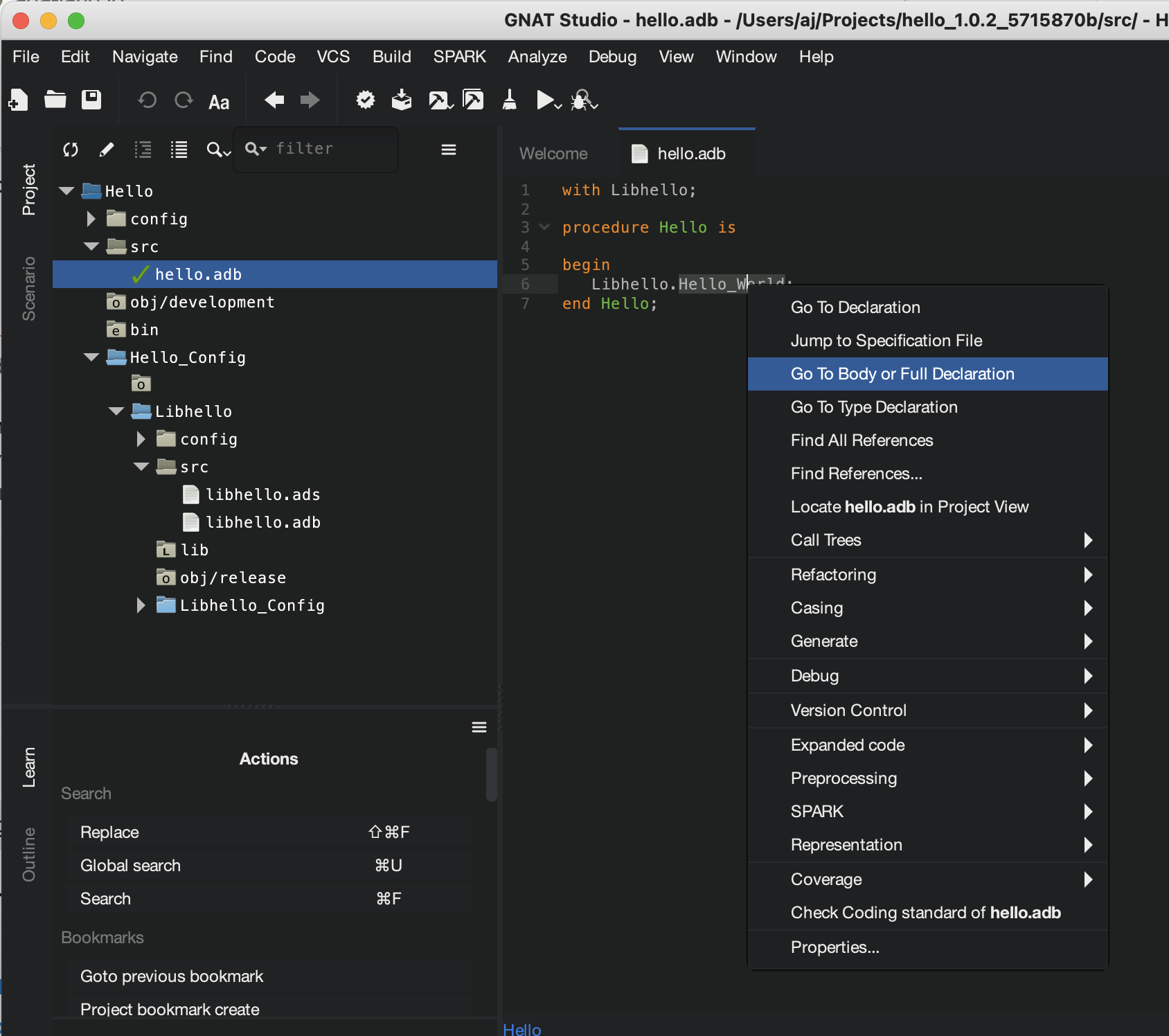
Looking into src: Where the heck is the source code? This is hello.adb:
with Libhello;
procedure Hello is
begin
   Libhello.Hello_World;
end Hello;
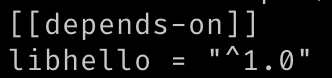
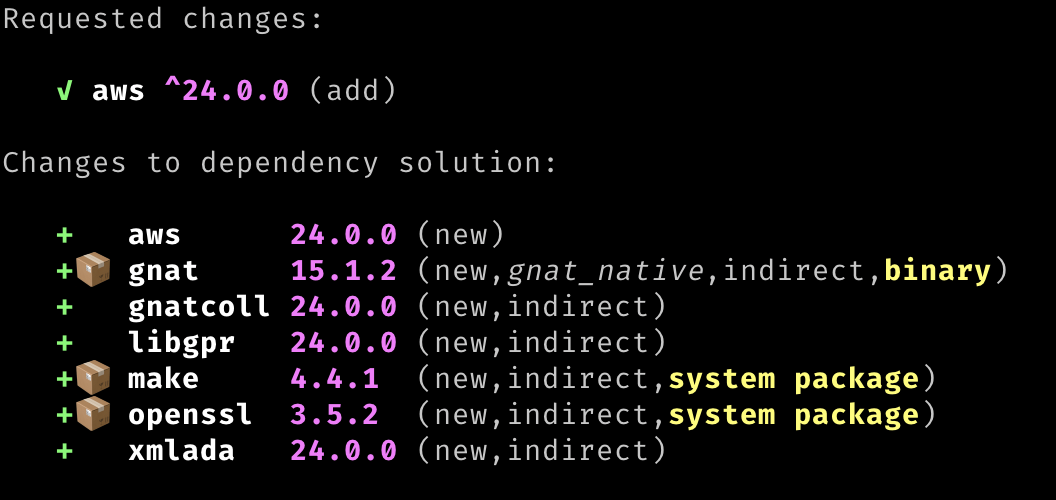
Alire works by bringing in different libraries as dependencies and storing them on the system; for example, if I need the Ada Web Server, I can run alr with aws
This will bring in the ada web server library and all of its dependencies:
Most of the time the source code for that library isn’t going to be in the project folder, but cached somewhere on your computer, probably ~/.local/share/alire/builds
(in older versions of alire it would be in the .alire folder in the project directory)
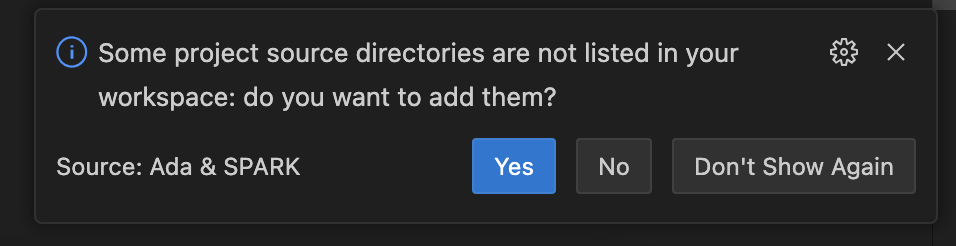
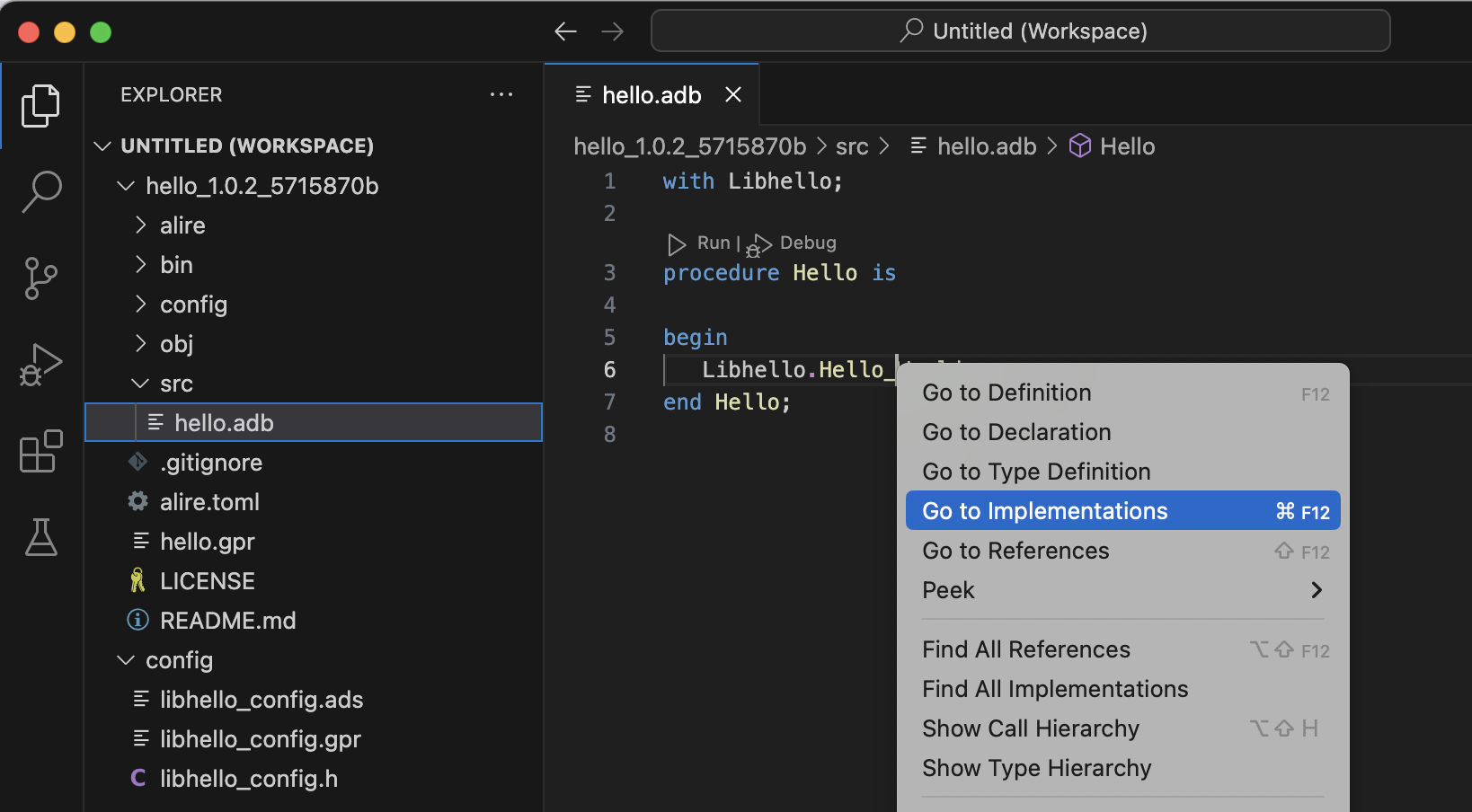
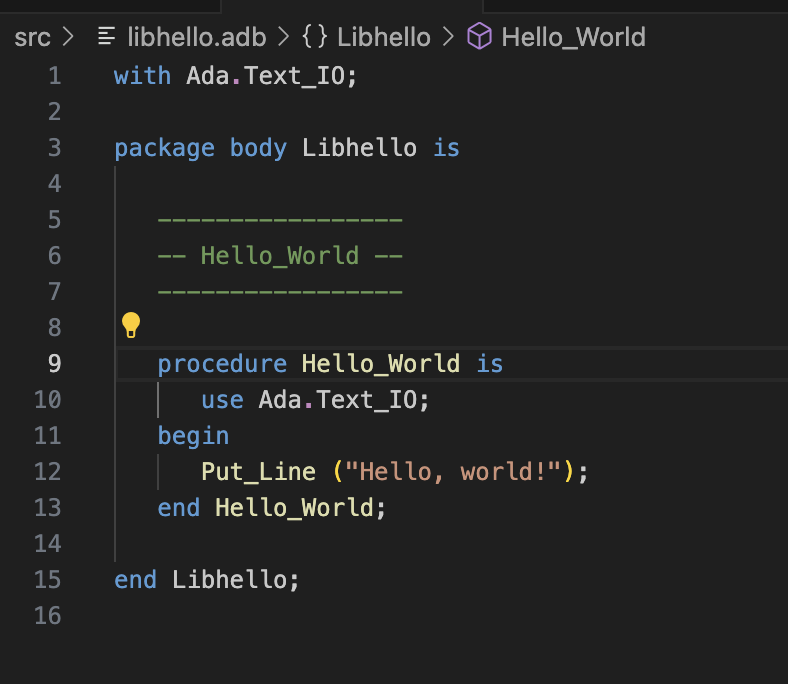
If you have vscode with the Ada Language server, it’ll load those files into the IDE:
PS: The alire docs are more concerned with making sure that alr is working, as in, it’s grabbing a project, dependencies, and running. If you’re interested in further configuring it for your editor or using it to build your own hello world, check out the docs on ada-lang.io, specifically:
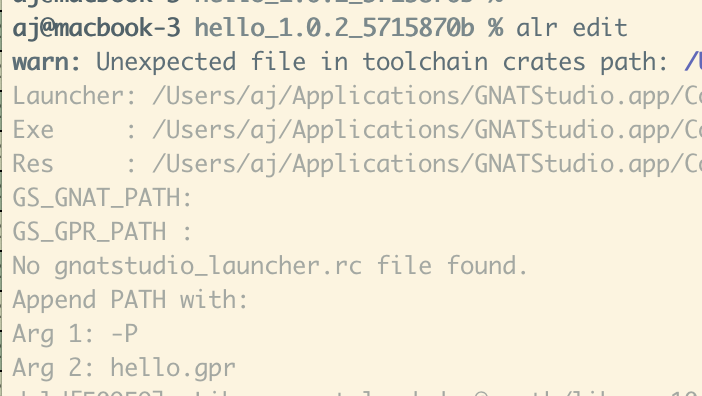
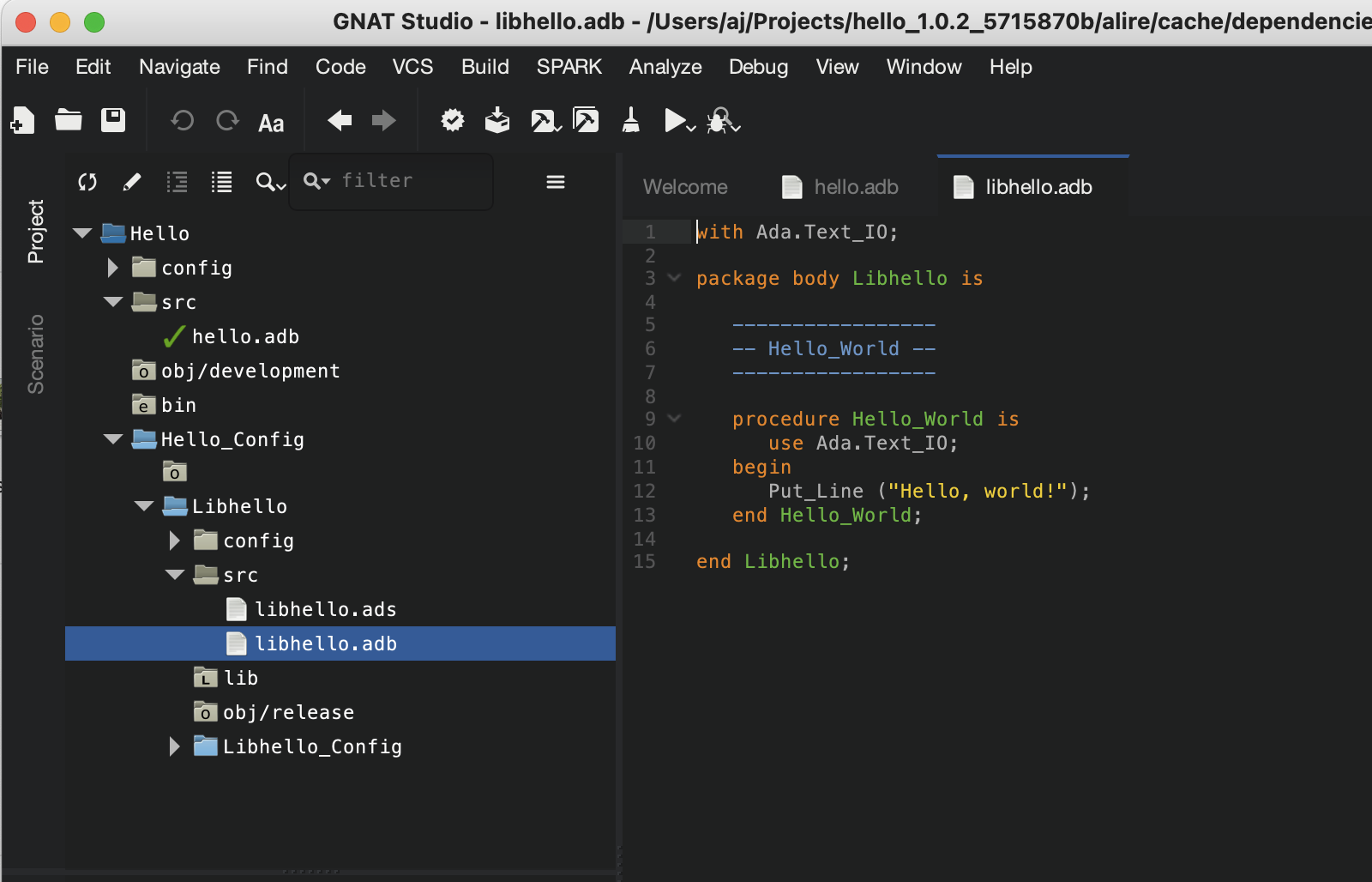
I use VSCode with the Ada Language Server extension, as it works best for me on MacOS, but as long as you’re launching your project using alr edit then it should show up in GNAT Studio too at least in the file tree: