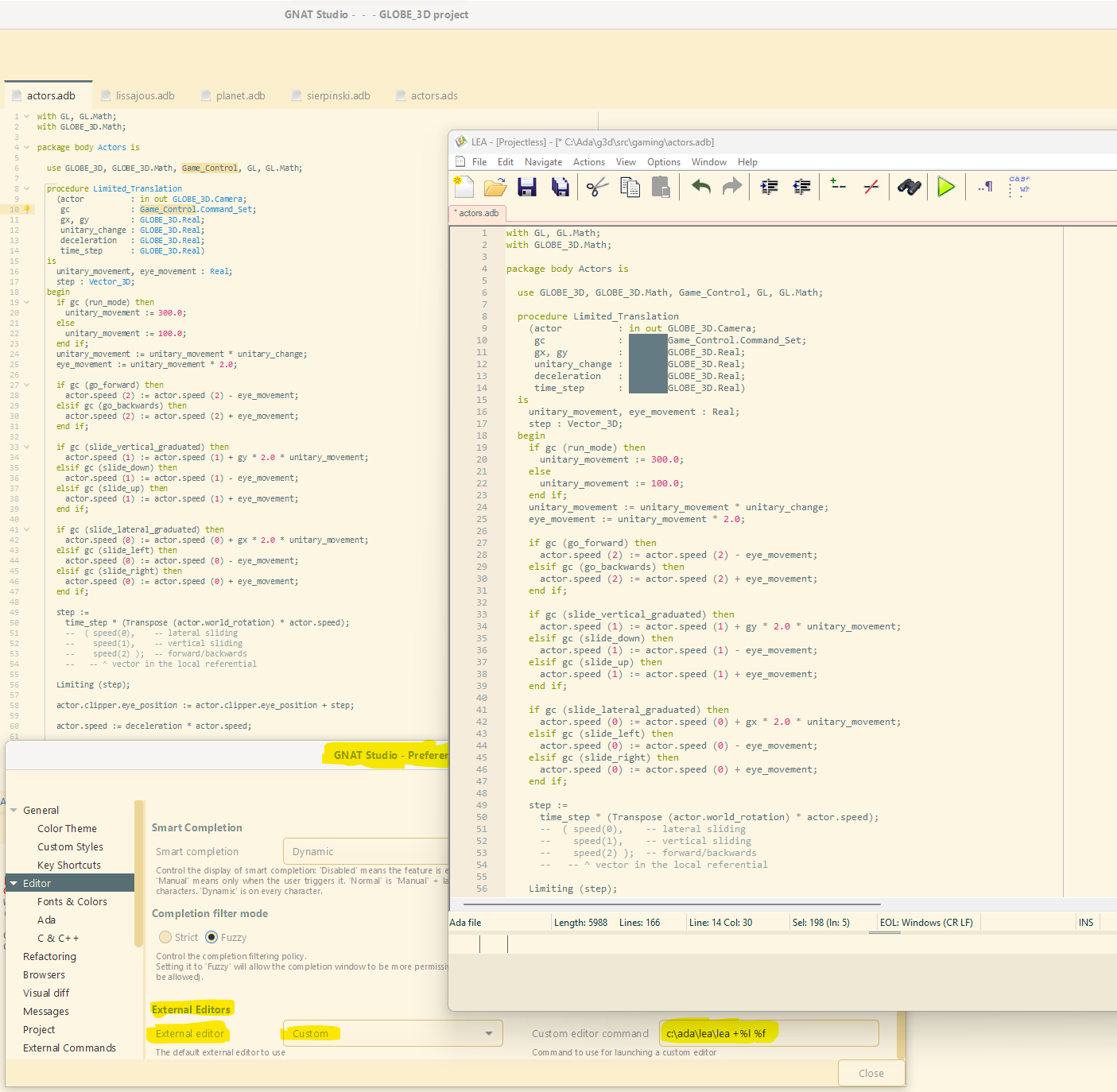
LEA is a Lightweight Editor for Ada
Alire crate: here
Source repository #1: here
Source repository #2: here
Web site: here
 Changes since last announcement here:
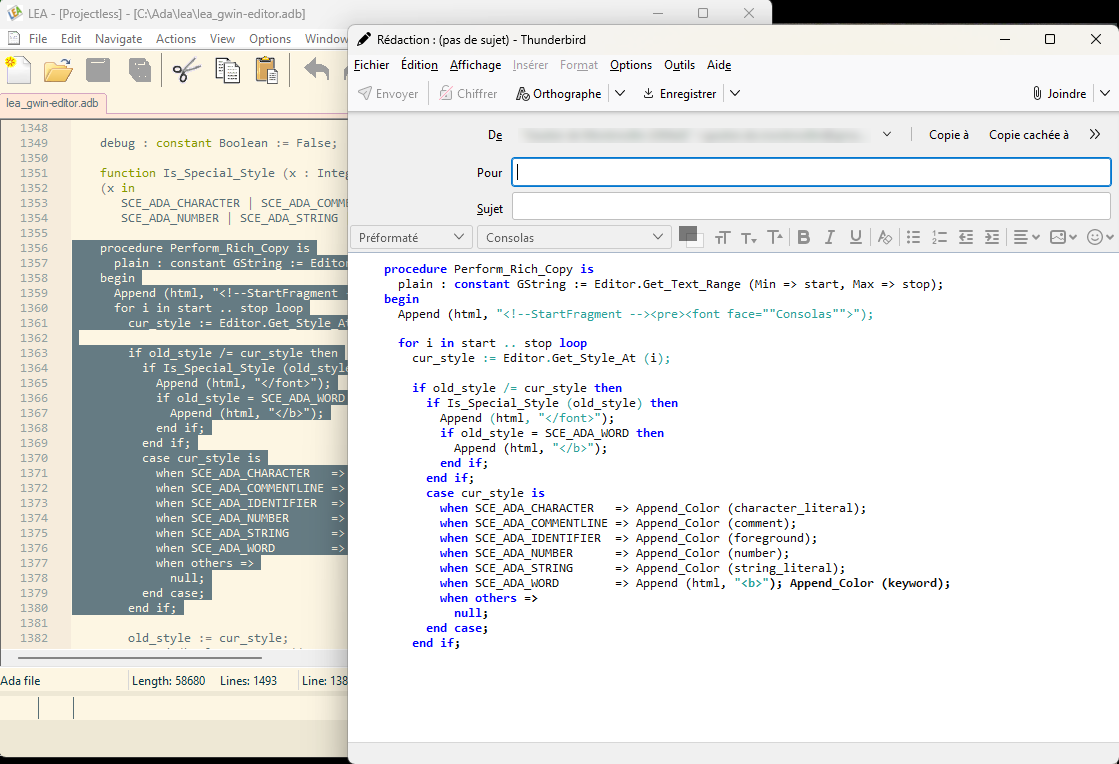
- For Ada or .gpr code, the copy operation puts an HTML-formatted version of the selection into the clipboard.
- Copy operation: when nothing is selected, copy the current line (VS / VS Code - style).
- Added “Alire mode”. The user can control alr build and alr run: Build → alr build; Run → alr run.
- LEA checks externally changed files and provide options to the user for handling that.
- Minor improvements (menu texts, colors, …)
Needless to say, the first item is perhaps the most valuable as you can now impress and/or annoy your coworkers  with e-mails containing formatted source code excerpts, like in this example:
The LEA executable is standalone, holds in 4 MB and doesn’t require an installation procedure.
Features:
- Multi-document
- Multiple undo’s & redo’s
- Multi-line (vertical) & multi-point edit, rectangular selections
- Color themes, easy to switch
- Duplication of lines and selections
- Syntax highlighting
- Parenthesis matching
- Bookmarks
- Includes HAC, the HAC Ada Compiler
- Smart editor features (auto-completion, navigation, mouse-hover infos)
- Includes numerous examples of Ada programs, ready to be run
- Single executable, runs without installation
- Free, Open-Source
LEA is programmed in Ada, as well as HAC.
Enjoy!